
Found it on Myntra or AJIO?
Found it online?
See it on you.
When an outfit catches your eye on Myntra or AJIO, share the product to fit. or upload its image to create a personal AI preview.
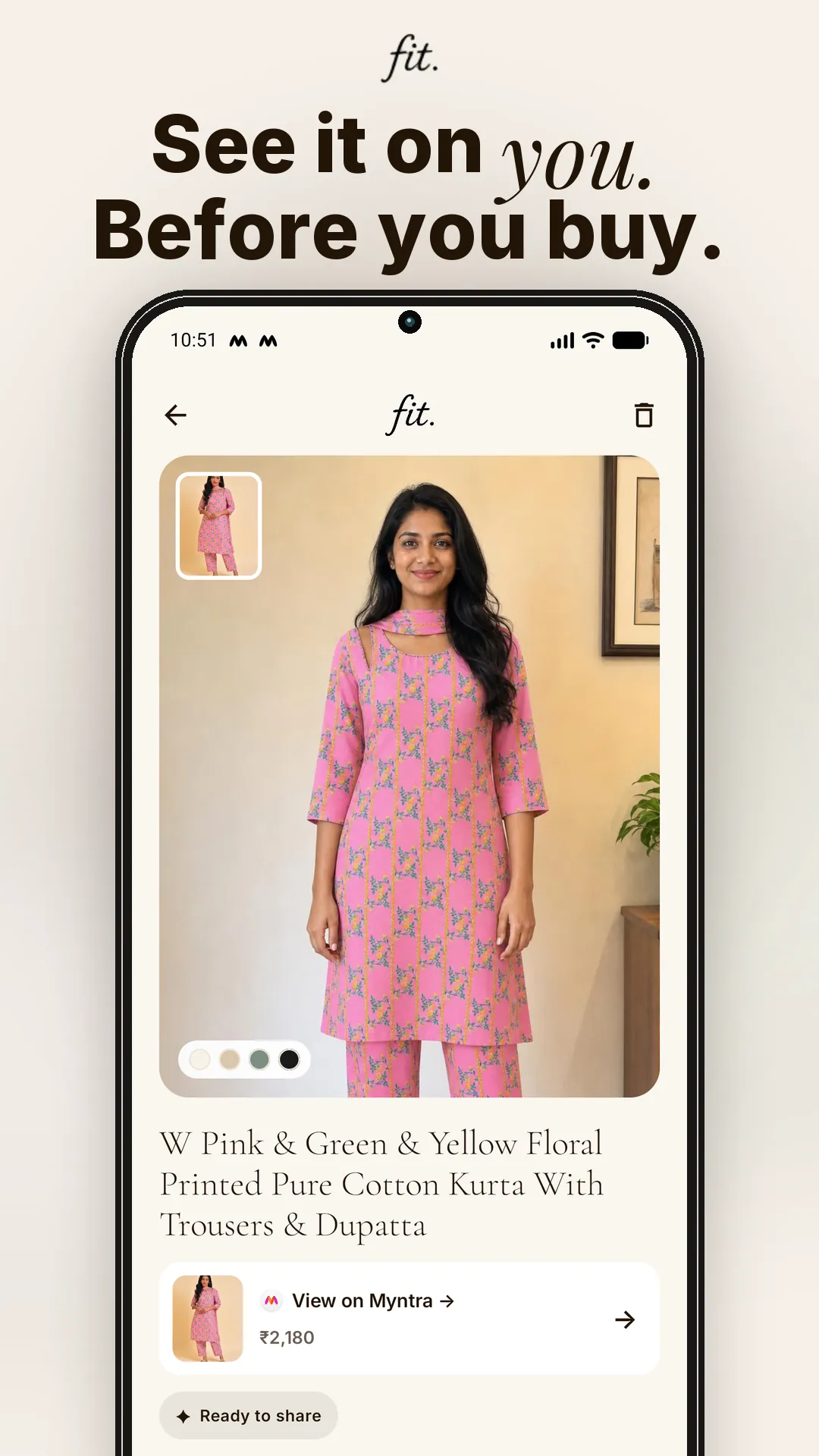
How to try a Myntra or AJIO outfit virtually
- Open the product you are considering in the shopping app or browser.
- Use the product's Share action.
- Select fit. from the Android share sheet. You can also copy the link and paste it inside fit.
- Confirm the garment image and choose one of your photos.
- Start the try-on and review the generated result when it is ready.
If a product link is not supported or the main image cannot be retrieved, take a clean screenshot of the garment and upload that image instead.
A clean product image works best.
Choose an image with one clearly visible garment. Crop away app controls, sale banners, overlapping products, and unnecessary background where possible.
Why use a virtual preview while shopping?
Retail product photography is designed to show the garment clearly, usually on a model chosen by the retailer. That helps you inspect the product—but it may still be difficult to imagine the same colour and silhouette in the context of your own appearance.
fit. gives you a visual to react to. It can help narrow a shortlist, compare two styles, or make it easier to ask a friend, “Which one looks more like me?”
What to check before you buy
An AI preview is only one part of a sensible purchase decision. Before checking out, review:
- the retailer's size chart and garment measurements;
- fabric composition, stretch, lining, and care instructions;
- customer photographs and reviews;
- delivery estimates and the current return or exchange policy;
- the exact colour and product variant selected.
Independent product notice
fit. is an independent app and is not affiliated with, endorsed by, or sponsored by Myntra or AJIO. Retailer names are used only to explain how shoppers may bring publicly shared product links or their own screenshots into fit. Availability can change when retailer websites or sharing formats change.
Your next cart deserves a fit check.
Download fit. for Android. iOS is coming soon.
Asked all the time.
Shopping-link FAQ
Does fit. buy the garment for me?
No. fit. creates a visual preview. Purchases, payments, delivery, returns, and customer service remain with the retailer.
What if sharing the link does not work?
Save or screenshot the clearest product image and upload it through fit.'s garment-photo option.
Can the preview confirm my size?
No. Use the retailer's current size chart and measurements. The generated image is not a measurement or physical-fit simulation.